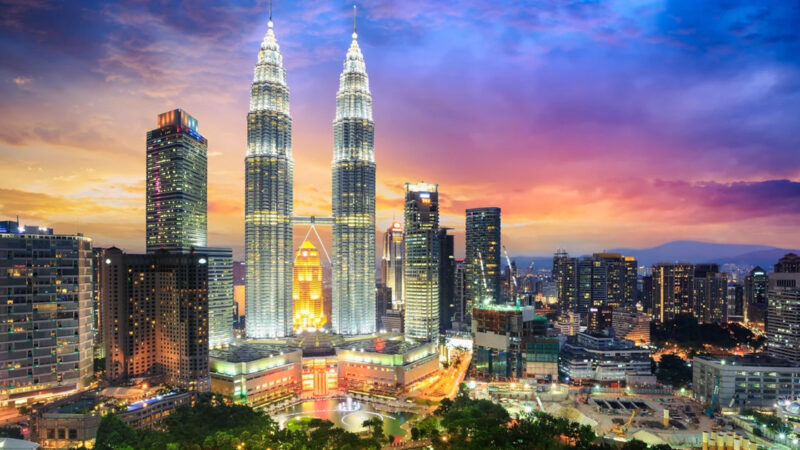
When tourists talk about the good food in Malaysia, it is seldom about the best steaks in fancy restaurants or the funkiest cocktails in bars spotting a fancy name. It is about street food and exotic fruits.

How can you access a PC simply by using another phone or PC? In this post you will learn how to mirror your screen and access to your device from all over the world.
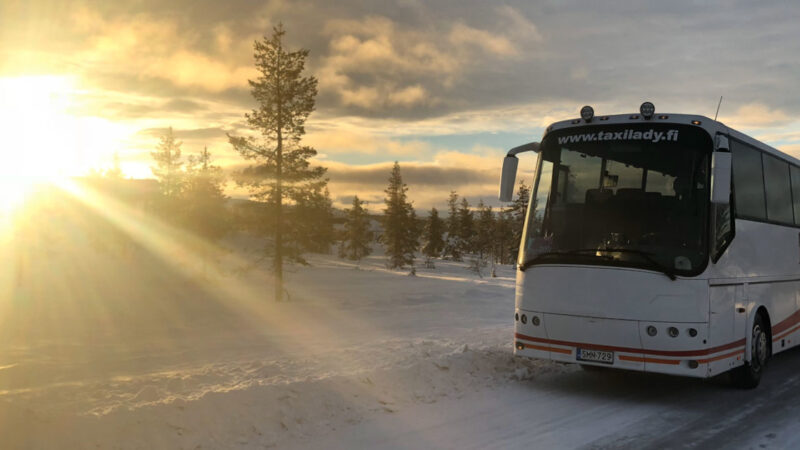
Do you want to have nice holidays in Finland? Check out one of the best options for traveling to the land of the thousand lakes.
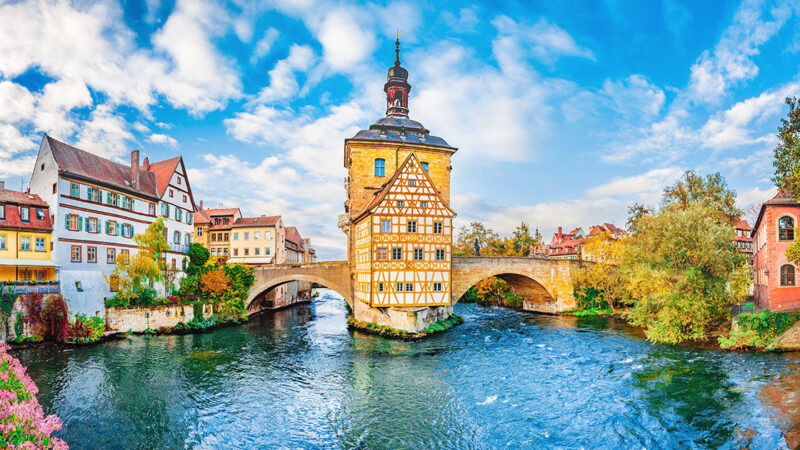
Why Bavaria is one of the most visited regions of Germany? Check it out why Bavaria is a highlight for every Germany visitor.

How can you recover quickly from jet lag? Here are 7 simple hacks that improve your jet lag recovery time.
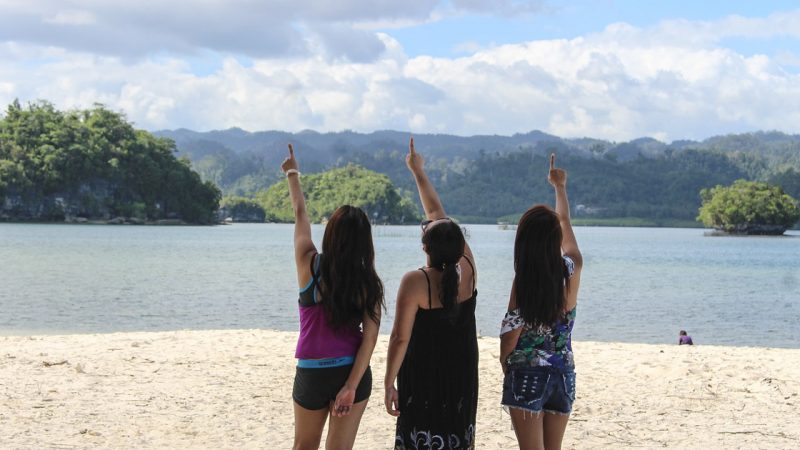
How to find your travel buddies? It can be difficult to not only have friends be able to meet your budget, but also your availability to join you on your adventures.
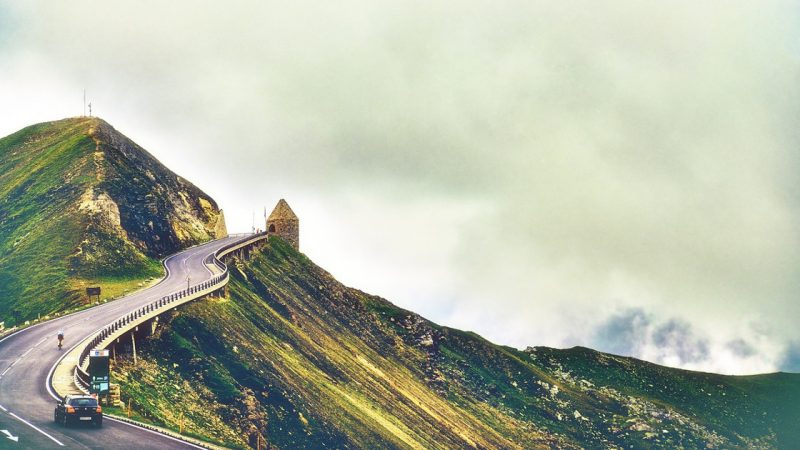
Austria is a paradise for every cyclist in the world. Not only a paradise for cycling through alpine meadows and woodlands, but also to enjoy the local cousin.
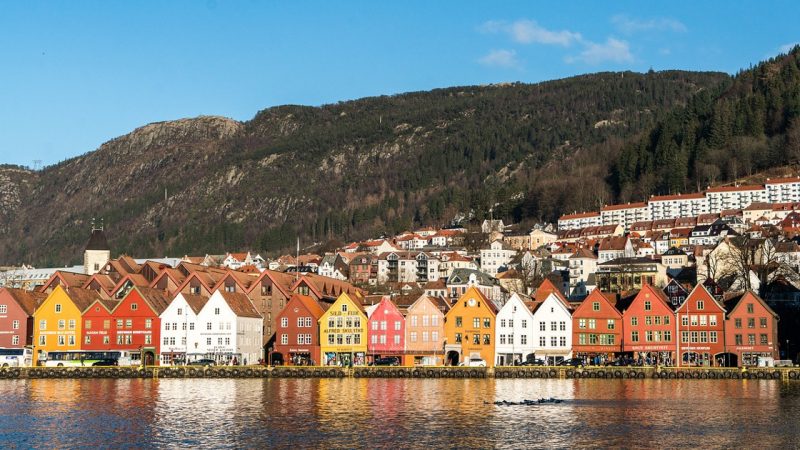
In the city of Bergen in Norway, within a 32 kilometer range, divers have access to at least 50 known shipwrecks, including the Frankenwald. Let’s see what you can admire under the sea.
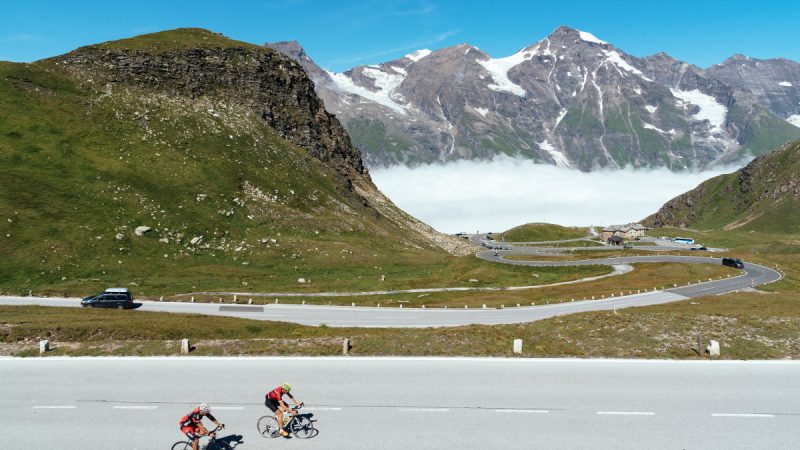
The “Tauern Cycle Trail” allows discovering one of Austria’s most beautiful regions. It runs along the banks of the Salzach River and passes through dozens of picturesque towns, yet it manages to avoid busy roads.
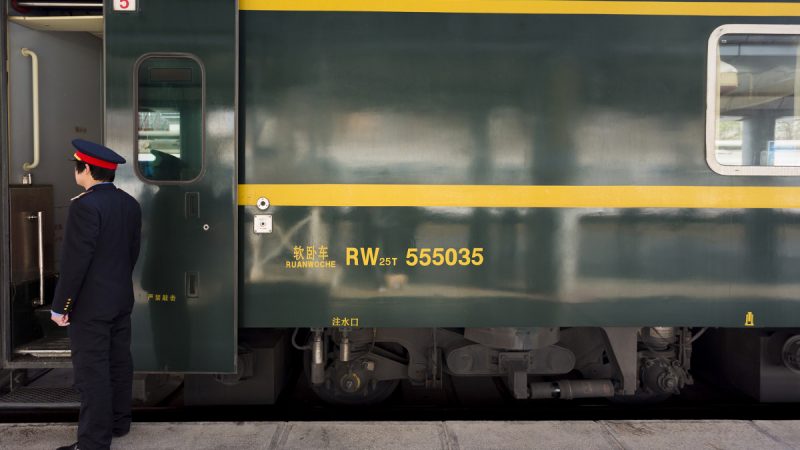
We departed from Shanghai and started the 52 hours train journey on Friday evening and arrived at Lhasa on Sunday night. It was a great journey passing through many provinces of China.